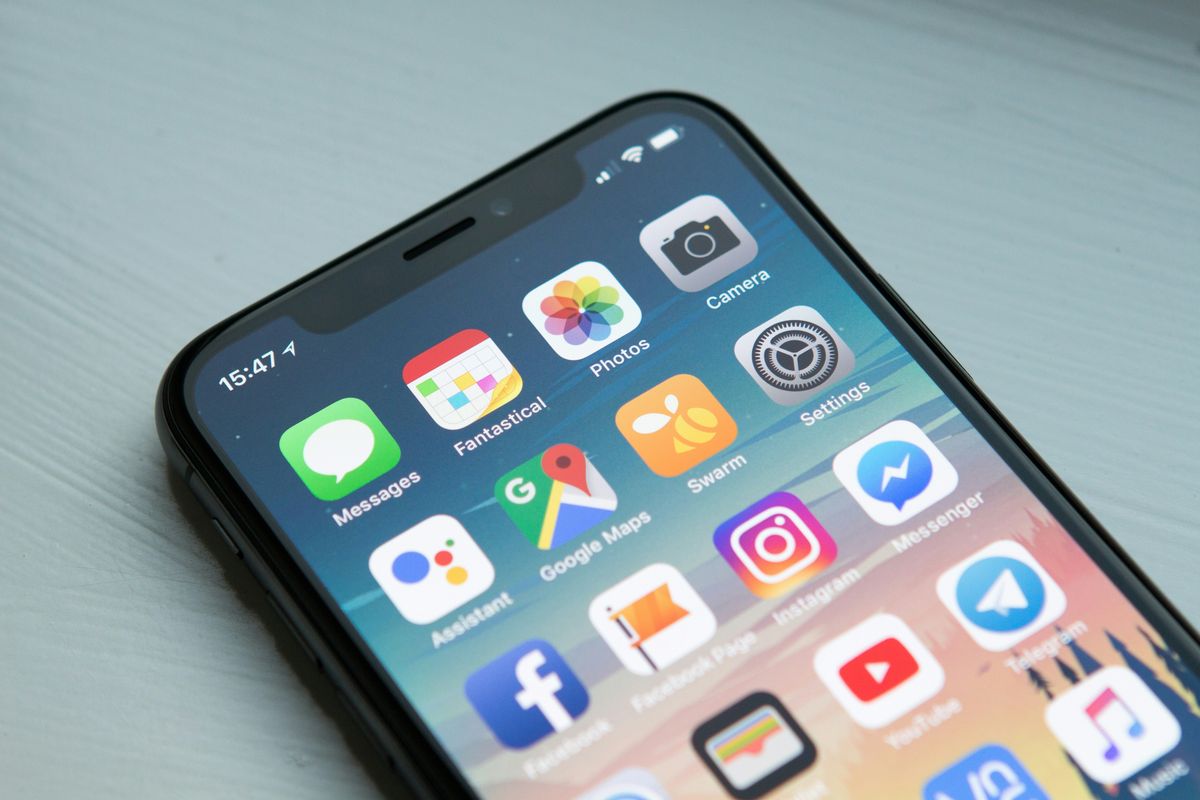
Going to China? Your phone is about to go dark. Google, WhatsApp, YouTube, Instagram — none of them work behind China's Great Firewall.
But here's the thing: China isn't broken. It just runs on different apps. This guide will help you stay connected.
What's Blocked (What to Use Instead)
Don't panic. Every blocked app has a Chinese alternative that works just as well (sometimes better).
- 🗺️ Google Maps → Amap (高德地图)
- 💬 WhatsApp → WeChat (微信)
- 🚗 Uber → DiDi (滴滴)
- 📸 YouTube / Instagram → rednote (小红书)
- 💳 Google Pay / Apple Pay → Alipay / WeChat Pay
💡 Remember: China isn't broken. It just runs on different apps.
⚠️ Important: WhatsApp is how CLF stays in touch with you during your trip. Without a VPN, you won't be able to reach us. Make sure you prepare before departure.
3 Rules Before You Land
Follow these three rules and you'll be fine. Skip them and you'll be scrambling at the airport.
Do these before your flight
🔴 Download your VPN BEFORE China. VPN apps can't be downloaded once you're in China. The App Store and Google Play remove them behind the firewall.
✌️ Install at least 2 VPNs. No single VPN works 100% of the time. If one goes down, you need a backup.
📸 Screenshot everything. Hotel address, booking confirmations, maps. You'll need them when your internet drops.
Airport Warning
⚠️ Your plane just landed. Now what?
China airport Wi-Fi needs a Chinese phone number for SMS verification. You probably can't connect.
Do this IMMEDIATELY:
- Turn on your eSIM (if you bought one before departure)
- Or find the SIM card counter in the arrival hall
- Look for China Mobile (中国移动) or China Unicom (中国联通)
Don't leave the airport without internet.
Quick Decision Guide: Which Internet Option?
Ask yourself 2 questions to find the best option for your trip.
YES → International roaming or global eSIM (some bypass the firewall automatically)
NO → Local SIM or China eSIM is enough
YES → Get a local SIM card (unlocks WeChat, DiDi, bike sharing, food delivery)
NO → eSIM or roaming works fine
Use dual SIM: one local SIM for Chinese apps + one international eSIM for Google & WhatsApp.
Option A: International Roaming
The simplest option. Just turn on roaming when you land. No extra apps, no setup.
- 💰 Cost: ~$5-10/day depending on your carrier
- ✅ Best for: Short trips (under 1 week), low hassle
- ❌ Downside: Gets expensive after a week
💡 The BIG bonus: Some carriers route your traffic through your home country's network. This means you can access Google, WhatsApp, YouTube WITHOUT a VPN! Call your carrier before you fly and ask: "Does my roaming in China bypass the firewall?" This one question could save you from needing a VPN entirely.
Option B: eSIM + VPN
Buy online before you fly. Activate on landing. No physical SIM card swap needed.
- 🛒 How to find one: Search "China eSIM", compare price/data/reviews, check if your phone supports eSIM
- 💰 Typical cost: $5-15/week depending on data
- ✅ Best for: 1-2 week trips, tech-savvy travelers
- ❌ Downside: Need a separate VPN to access international apps
⚠️ Important: Most China eSIMs use the local network. Google & WhatsApp are still BLOCKED. An eSIM gives you internet. A VPN gets you past the firewall. You need both.
Option C: Local SIM Card + VPN
Buy at the airport or any China Mobile / China Unicom store. Bring your passport!
- 💰 Cost: ¥59-128/month (~$8-18) for 10-40GB
- 📱 You get a Chinese phone number, which unlocks:
- WeChat full features
- DiDi ride-hailing
- Meituan food delivery
- Shared bikes: Hellobike, Meituan Bike
- ✅ Best for: Trips over 2 weeks, living like a local
- ❌ Downside: Requires passport & in-person purchase at the counter
⚠️ Reminder: You still need a VPN for Google, WhatsApp, YouTube, etc. A local SIM gives you fast internet, but the firewall still applies.
How to Choose a VPN
VPN performance in China changes constantly. What works today might not work next month. So instead of recommending specific brands, here's how to pick one yourself.
How to find a working VPN
🔍 Search Reddit: Go to r/travelchina or r/chinalife, search "VPN", read the most recent posts
📅 Only trust recent reviews. Filter for posts from the last 1-2 months. Older reviews are unreliable.
✌️ Always install at least 2. Have a backup. If one stops working, switch to the other.
💰 Paid VPNs work much better than free ones. A few dollars a month is worth it.
⚠️ Don't forget: Download & test your VPN BEFORE you enter China. Log in once, connect to a server, confirm it works. Don't wait until you land.
Pro Tips
- 🔋 VPN drains battery fast. Always carry a power bank. If you buy one in China, make sure it has a CCC (China Compulsory Certification) label. Without it, you can't take it on domestic flights.
- 📱 Download Google Translate offline pack before your trip. It works without internet.
- 💬 WeChat works without VPN. It's your main communication tool in China.
- 🗺️ Apple Maps works without VPN. It uses Amap's data inside China, so it's accurate.
- 🤝 Save a local contact (hotel front desk or a friend) in case everything goes wrong.
Quick Summary
- ✅ Download 2 VPNs before departure. You can't get them in China.
- ✅ Screenshot hotel address, bookings & maps before you disconnect.
- ✅ Short trip → eSIM or roaming. Long trip → local SIM card.
- ✅ Ask your carrier about firewall bypass. Roaming might mean no VPN needed.
- ✅ WeChat & Apple Maps work without VPN. They're your lifeline in China.
- ❌ Don't leave the airport without internet. Get connected first.
- ❌ Don't trust old VPN reviews. Only the last 1-2 months matter.
Still confused about which option to choose?
We help tourists figure this out every day. Send us a message on WhatsApp.
Chat With Us Free →